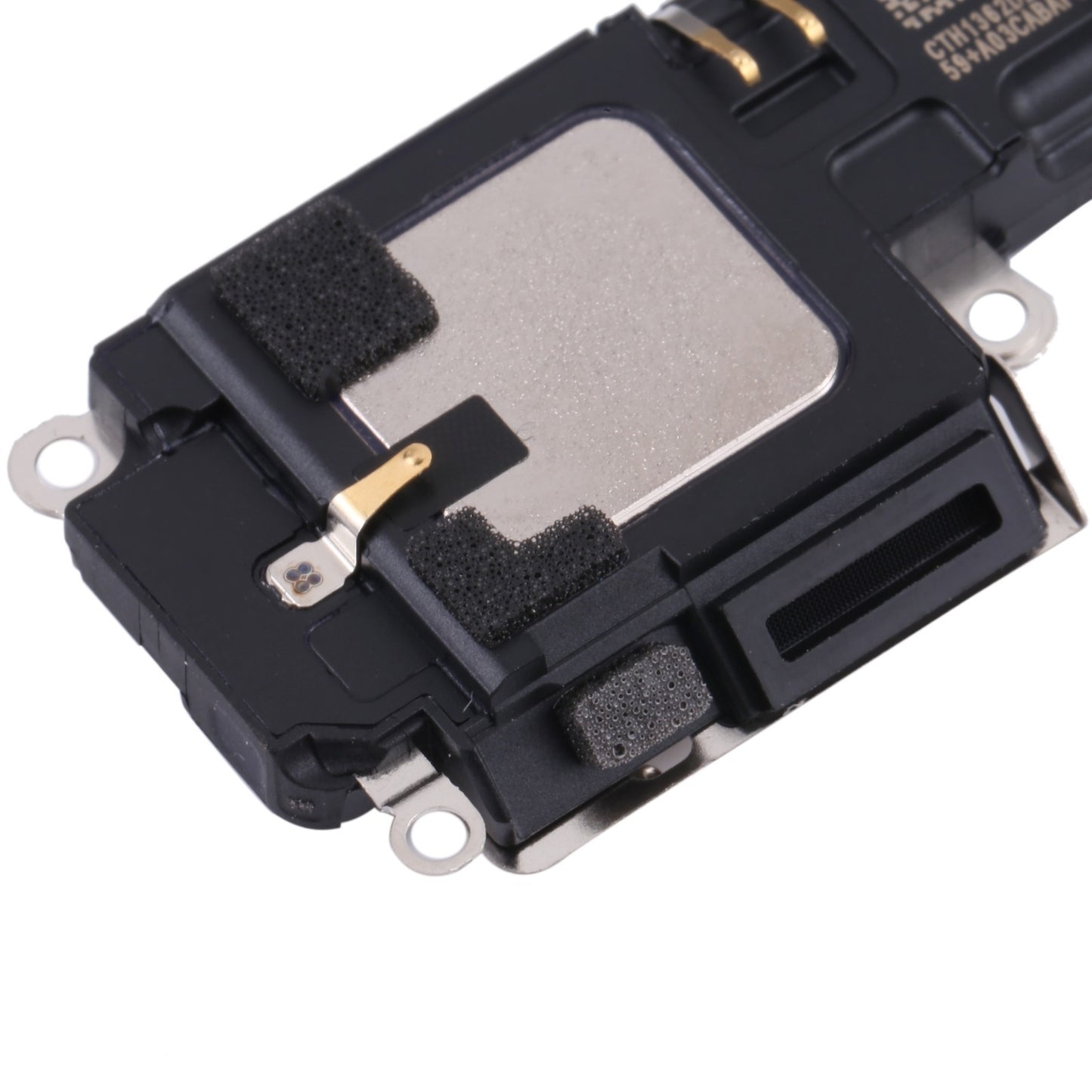




Apple iPhone 13 pro Ringer Buzzer Speaker Buying Instruction
-
Please ensure all orders are made correctly including model, colors, specs, and variation.
-
We Will Not Take Any Responsibility For the Wrong Order.
-
This Product Comes With QC Tested And Brand New. No Warranty/ No Guarantee. Change of mind is not allowed.
-
Special skills and techniques required for proper installation.
-
Improper installation may cause damage to your device, we will not responsible for any loss that occurred to your handphone as a result of poor or improper installation of replacement parts.
How To Know Apple iPhone 13 pro Loud Speaker Need To Be Replaced
A smart phone doesn’t seem so smart when its speakers suddenly stop working. Both iPhone and Android users rely heavily on their speakers.Without them, you can’t listen to music, make calls using the speakerphone or hear an alert when a new text message arrives. A mute smartphone can be both annoying and frustrating.
Check the software: A software issues is one of the most common causes. The phone could be sending the wrong signals to the speaker, which stops it from working. This can usually be fixed in minutes by uninstalling and reinstalling the latest operating system.
Check for headphone mode: The sounds play through the headphones jack when they’re plugged in, instead of through the speaker. Sometimes the phone might think the headphones are still plugged in even if they aren’t, causing them to try and play through headphones that aren’t there. Try switching the speaker from headphones to the phone itself.
Still don’t hear anything?
If you still don’t hear anything, it means the phone speaker is broken. This happens often, as the speakers are one of the most fragile parts of the phone. Speakers make sound waves by vibrating a very thing piece of material. The sound will stop working if the material is damaged at all. If none of the above solved the issue, please visit nearest Service Centre.